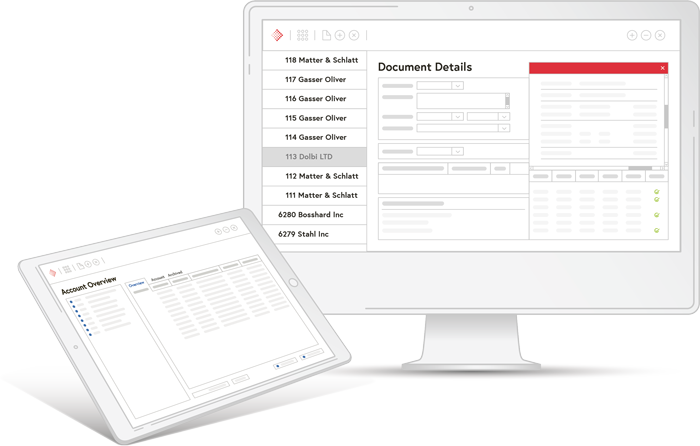
The Abacus Office Add-Ins allow you to use selected Abacus functions directly within Microsoft Office. For example, you can start a service entry or a process directly from Outlook or save documents to the Abacus Dossier without opening the software. Everyday tasks are carried out right where you work every day.
Your benefits with Abacus Office add-in
With the Abacus Office add-in, communication between Office products and Abacus is simple. It also offers you many other advantages:

Integrated
The Microsoft applications are directly connected to the Abacus Business Software

Direct
Direct and simple communication between Abacus and Microsoft Office

Simple
Simple integration of the add-in to connect Abacus with Microsoft Office
These functions await you
The Office Add-Ins offer you a wide range of functions that enable seamless and efficient collaboration between Abacus and Microsoft Office.

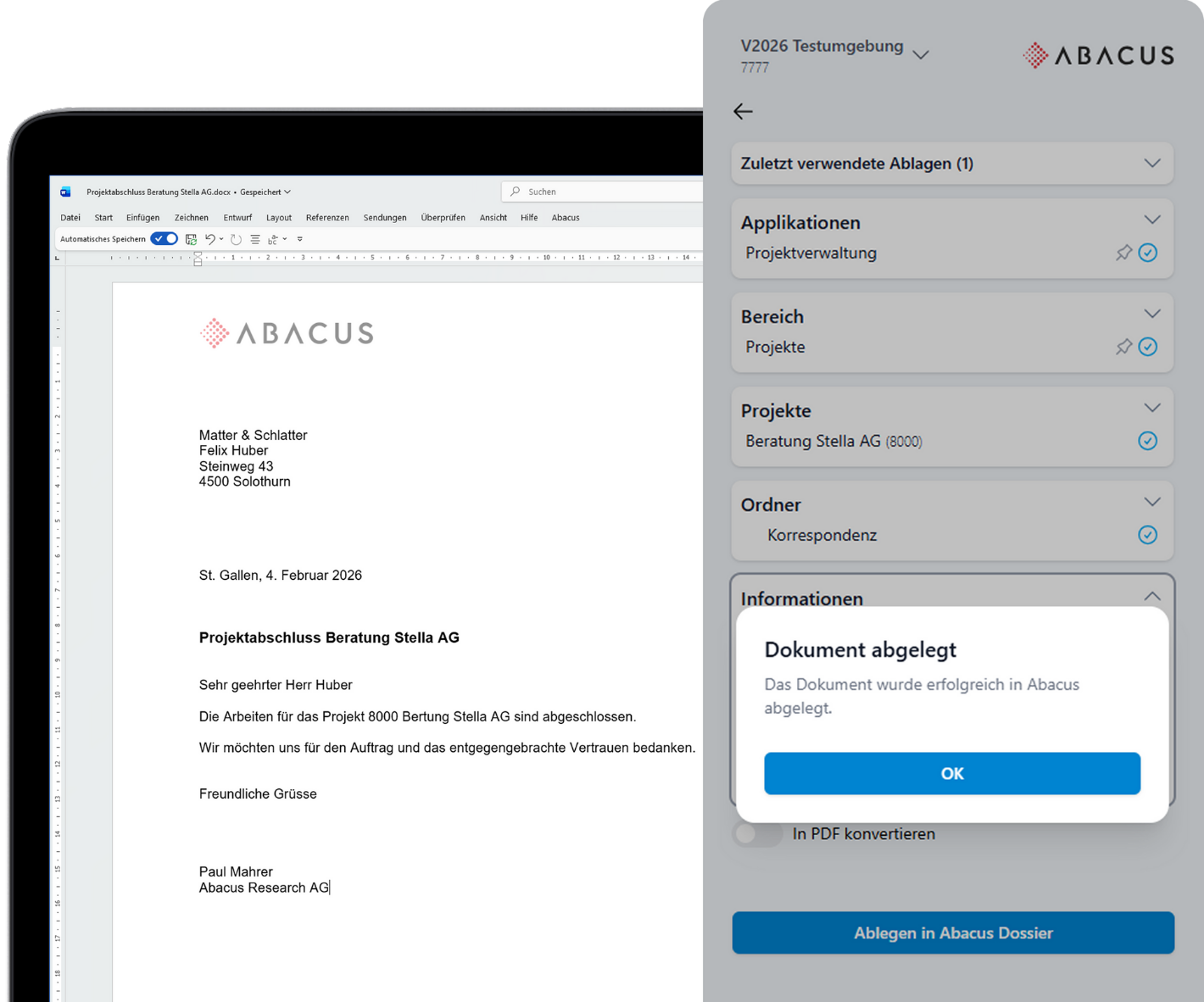
Storing and using documents
Documents from Word, Excel, PowerPoint and Teams, as well as individual emails, entire email threads or attachments from Outlook, can be saved directly to the Abacus Dossier via the add-in. The add-in can optionally save documents as PDFs, overwrite existing documents or create new versions. When composing an email, documents can be easily downloaded from the Dossier and attached.

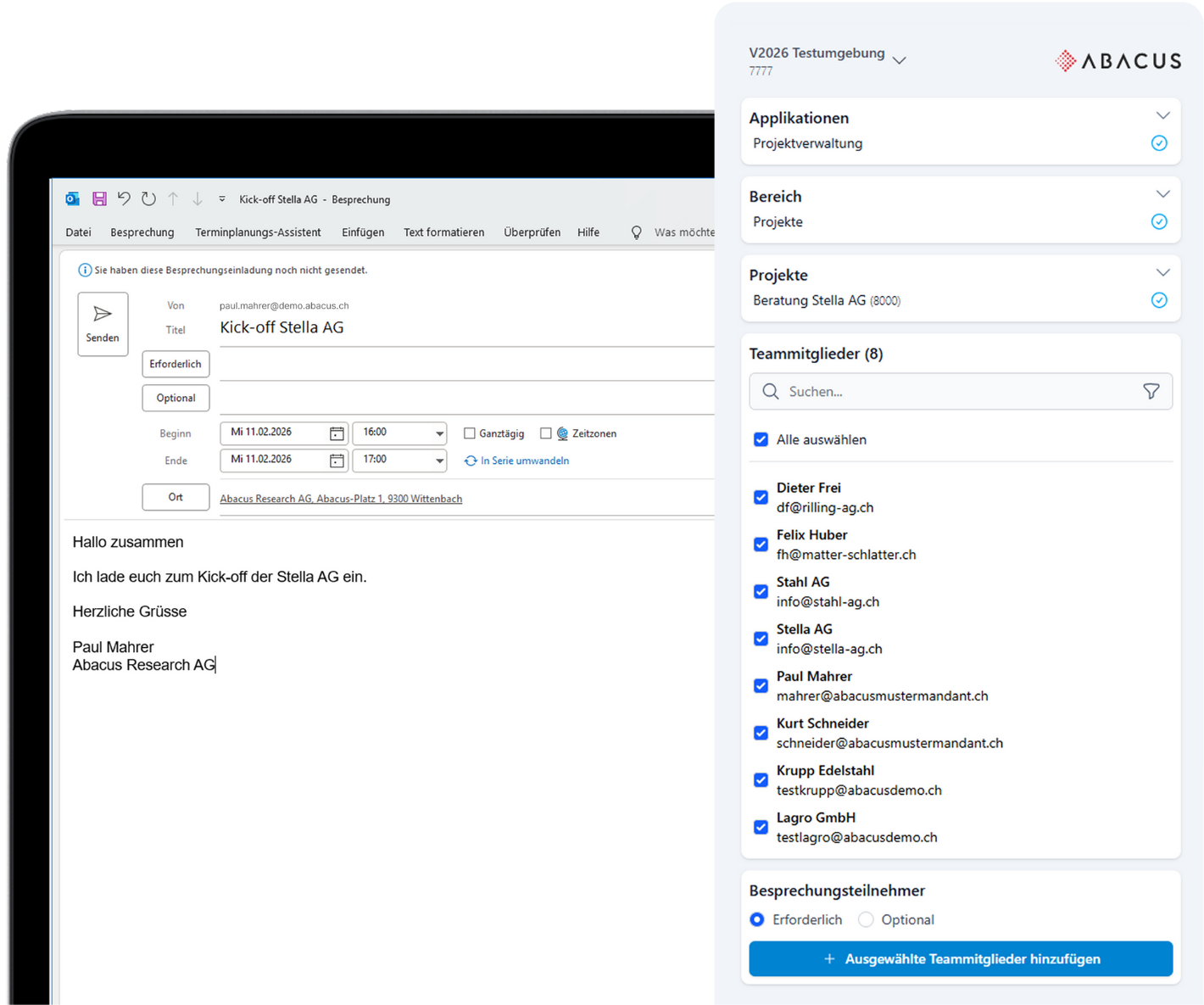
Easily select project members
Once you have selected the desired project in the add-in, the assigned members can be added as recipients of emails and meeting invitations. In Microsoft Teams, you can create a team or channel for the project group in just a few clicks. This saves time and ensures that the right people are always involved.

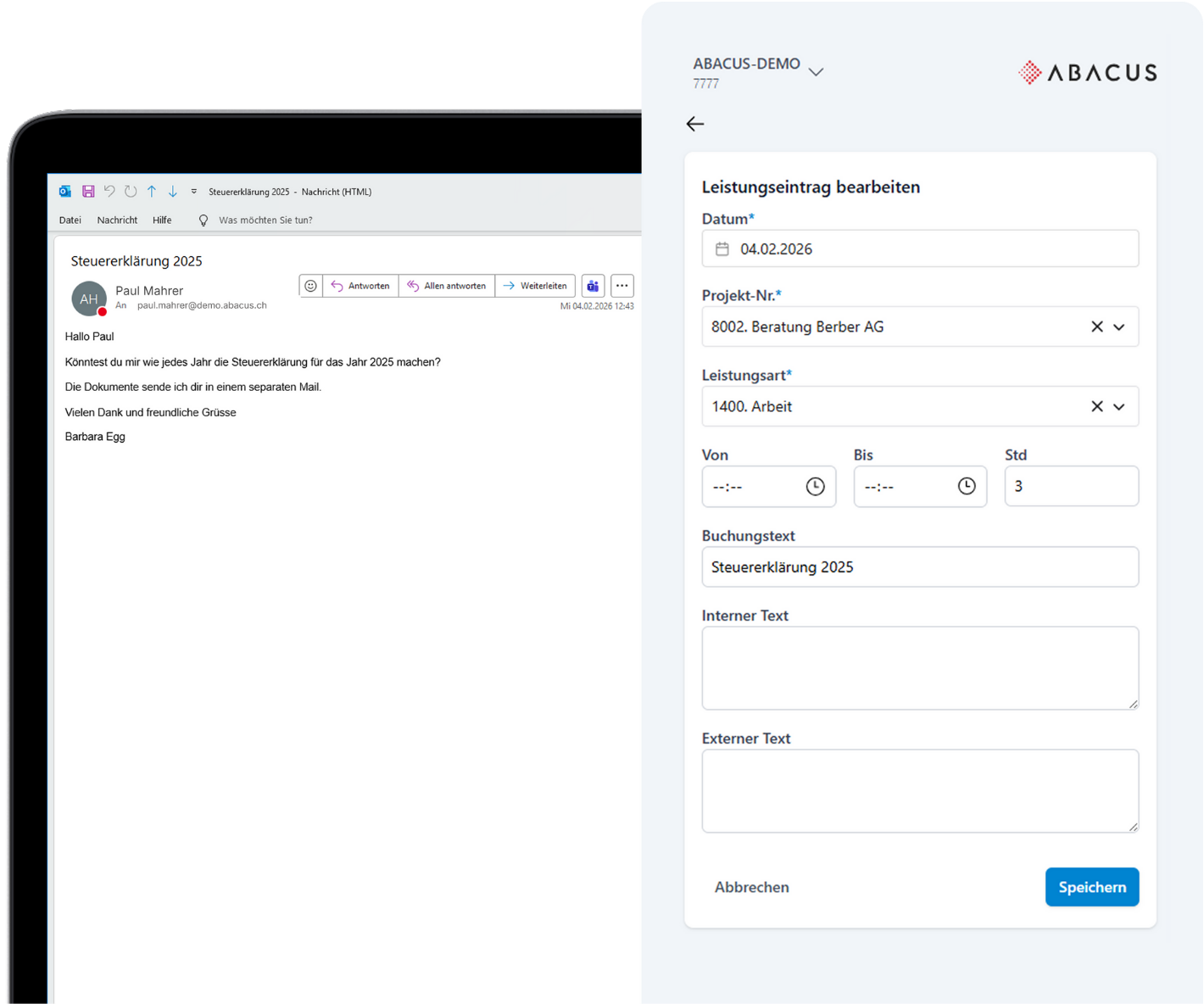
Enter services directly
With the add-in, you can enter services directly from an email without having to open Abacus separately. The service is assigned to the customer or project and booked in Abacus. This reduces the need to switch between different platforms and streamlines the workflow.

Dynamic reports with Abacus data
Create matrix reports and pivot analyses in Excel and link individual cells to information from Abacus. All linked content remains up to date at all times, enabling flexible, dynamic analyses and other documents.

Launch processes directly from Outlook
Processes can be launched directly within Microsoft Outlook for individual or multiple emails. The content of the selected emails is automatically transferred to the Abacus process and stored in the relevant file. This allows you, for example, to efficiently record leads in Abacus CRM.
How to use the Abacus Office Add-Ins
The Abacus Office add-ins are available from Abacus Version 2024 and can be easily downloaded from the Microsoft AppSource Store and linked to your Abacus.

Download the desired Abacus Office add-in from the Microsoft AppSource Store.

Open the Abacus add-in in Microsoft Word, Excel, PowerPoint or Outlook

Connect client with AMID

The Abacus Office add-in is ready to use
Frequently asked questions (FAQ)
What are the Abacus Office Add-Ins?
The Abacus Office Add-Ins enable direct interaction between Microsoft Office (Outlook, Word, Excel, PowerPoint and Teams) and Abacus Business Software. They simplify collaboration between the two software packages and offer features such as document storage and management.
Are there any additional costs associated with using the Office Add-Ins?
The Add-Ins can be downloaded and used free of charge. This is subject to the required Abacus applications being licensed.
From which version of Abacus are the Office Add-Ins available?
The first Office Add-Ins are available from Abacus version 2024 onwards. Further features are being added on an ongoing basis.
Do I need Abacus software to use the Add-Ins?
Yes, the Add-Ins require an existing Abacus installation, as they connect to the Abacus data.
Can the Add-Ins be installed for multiple users or across the entire organisation?
Yes, Microsoft Office administrators can install the Add-Ins centrally for individual users, groups or the entire organisation.
Are there any access restrictions within the Add-Ins?
Yes, Abacus users only have access to the applications assigned to them in the Abacus user management system.
Have we sparked your interest?
We would be happy to advise you individualy on our software solutions. Please fill out our contact form.