With Data Analyzer, Abacus makes professional data analysis and business intelligence easily accessible even for SMEs. Seamless integration into the ERP system ensures a smooth workflow and immediate access to all relevant data. The user-friendly interface allows you to quickly get started with data-driven decision-making – without the need for additional BI infrastructure.
Using interactive filters and clicking on charts, analyses can be refined in a targeted manner and restrict-ed to particularly relevant areas. Various links lead directly to further information – whether to original documents, existing reports or specific programme areas within the Abacus software.
The benefits of Abacus Data Analyzer
This seamlessly integrated analysis tool offers you a simple and efficient solution for evaluating and processing various data from Abacus Business Software. Abacus Data Analyzer also offers you the following advantages:

Current
Automatic data updates provide access to real-time data

Integrated
Analysis of individual items (products, applicants, etc.) directly from the Abacus programmes

Simple
Demo dashboards make it easy to get started and can be customised as required
These functions await you
With the Abacus Data Analyzer, you can quickly and easily gain valuable insights from your business data. Whether it’s a concise overview of key figures, in-depth analyses or customised reports, this is how you lay the foundation for informed decisions within your organisation.
Discover interactive dashboards, flexible reports and up-to-date figures directly from your Abacus software.

Understand data at a glance
With interactive dashboards and clear charts, you can keep an eye on your key performance indicators at all times. Complex data is presented clearly, so you can see at a glance where your business stands.
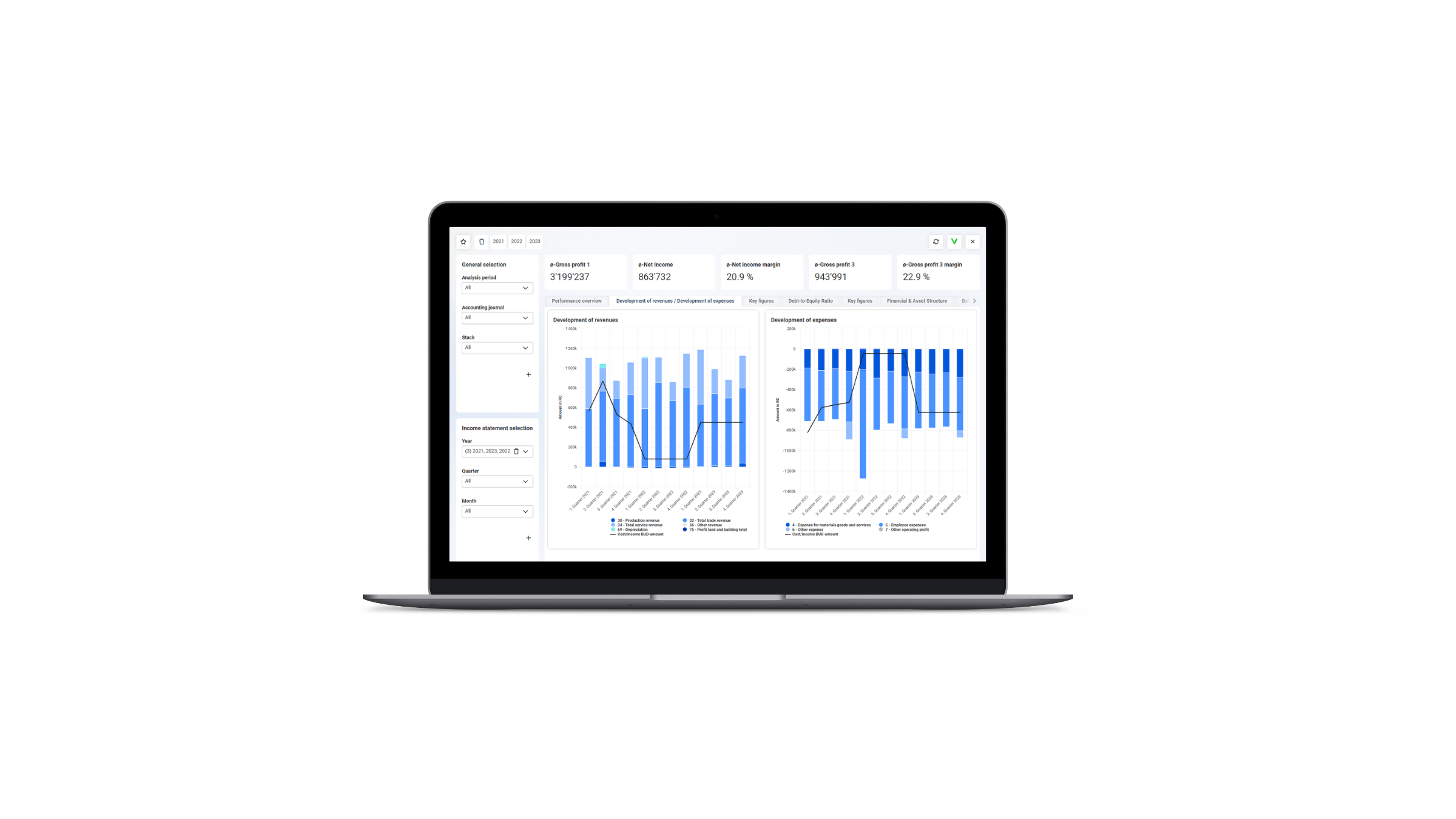

Create individual evaluations
Design reports and analyses to suit your exact needs.
Filters, pivot analyses and custom KPIs help you identify the information that really matters.
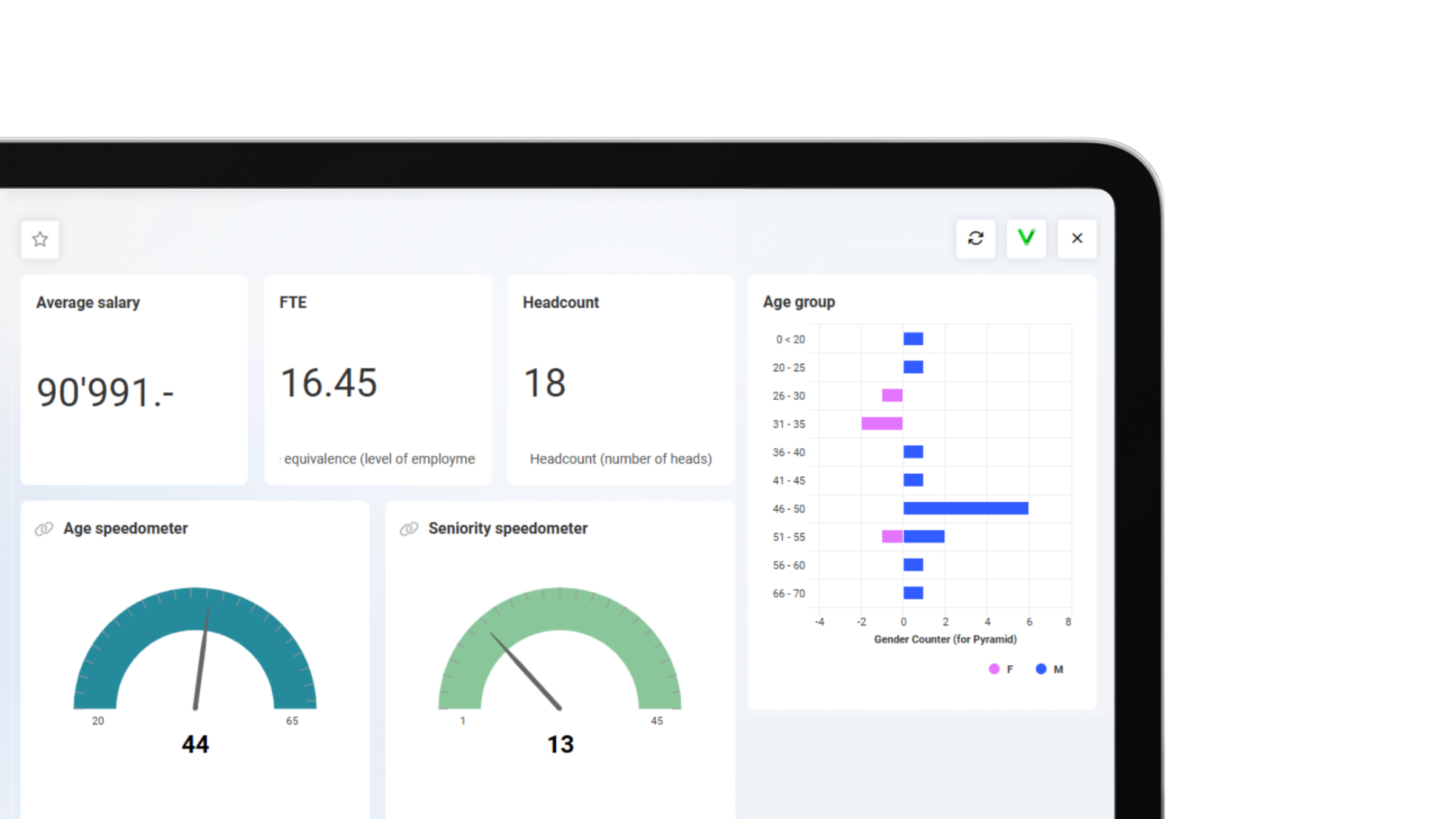

Real-time insights for quick decision-making
All data is continuously updated and imported directly from the Abacus software. This means you always make decisions based on the latest information and can respond more quickly to changes.
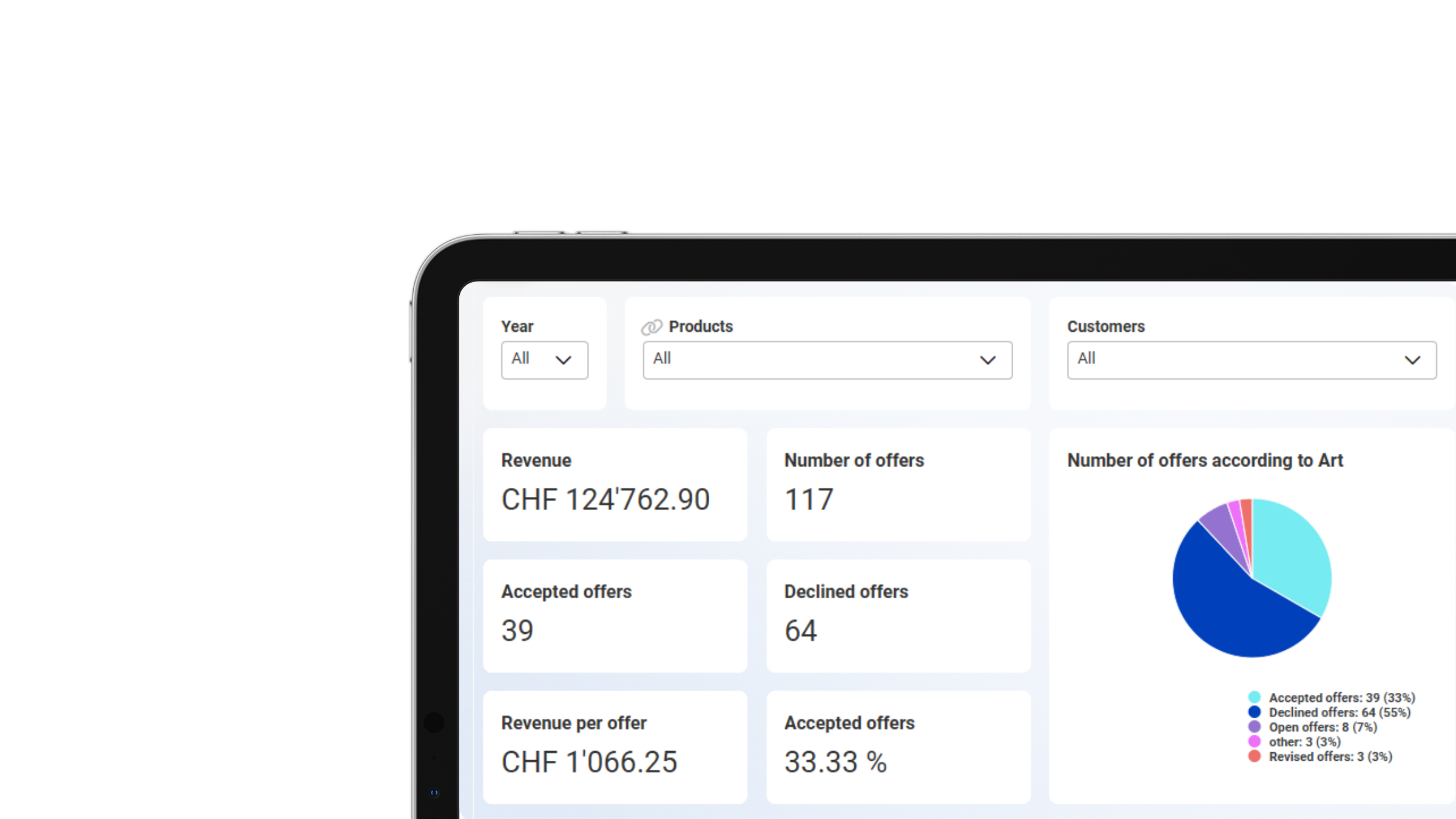
Connecting people with data
With the Abacus Data Analyzer, you can not only evaluate data, but also share it specifically with others – even with people who don’t use Abacus.
Thanks to the integration of the secure Swiss platform DeepV, dashboards – including their underlying data – can be easily shared via a link. Recipients are thus given access to up-to-date analyses and can leave comments or ask questions directly, without needing any additional software.
This facilitates collaboration, creates transparency and brings your insights exactly where they are needed. See for yourself and try out the possibilities with DeepV here.
How it works
You can create your reports in just three steps – directly from your Abacus Business Software.
01 | Define & prepare data source
In AbaReport, a data source is created using data from Abacus or third-party systems. This serves as the basis for reports in Abacus Data Analyzer.
02 | Design dashboard
In the Data Analyzer Designer, you create your own custom dashboard using various widgets. Numerous visualisation and filter options allow you to present your key figures exactly as required.
03 | Analyse reports
Created dashboards can be shared with specific users for analysis. The simple interface allows you to quickly narrow down data, for example by time period or object.

“We use the Abacus Data Analyzer for data analysis across various applications. This allows us to keep a close eye on both current and future profitability.”
Simon Moser
Entrepreneur, siworks AG

“While data preparation used to be quite a time-consuming process, it is now more straightforward and simpler.”
Jörg Neeser
Deputy Executive Director, azb Foundation

“The tool is virtually self-explanatory, so creating the dashboards was just a matter of putting in the work. Since then, we’ve had a much better overview of our inventory quality.”
Marc Beck
Managing Director, Faserplast AG
Uses in the Abacus Business Software
Evaluations and dashboards are used in countless areas and departments.
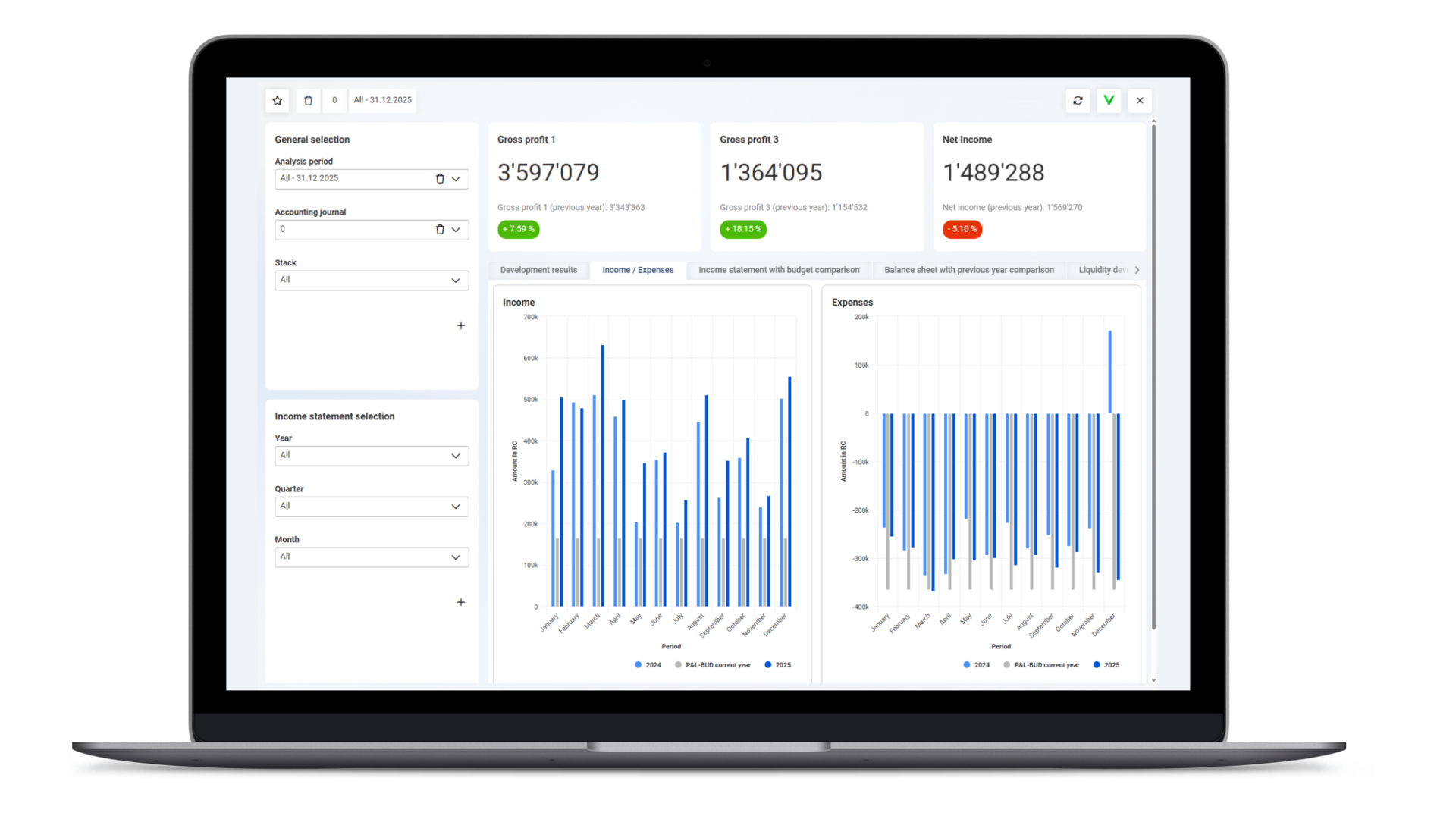
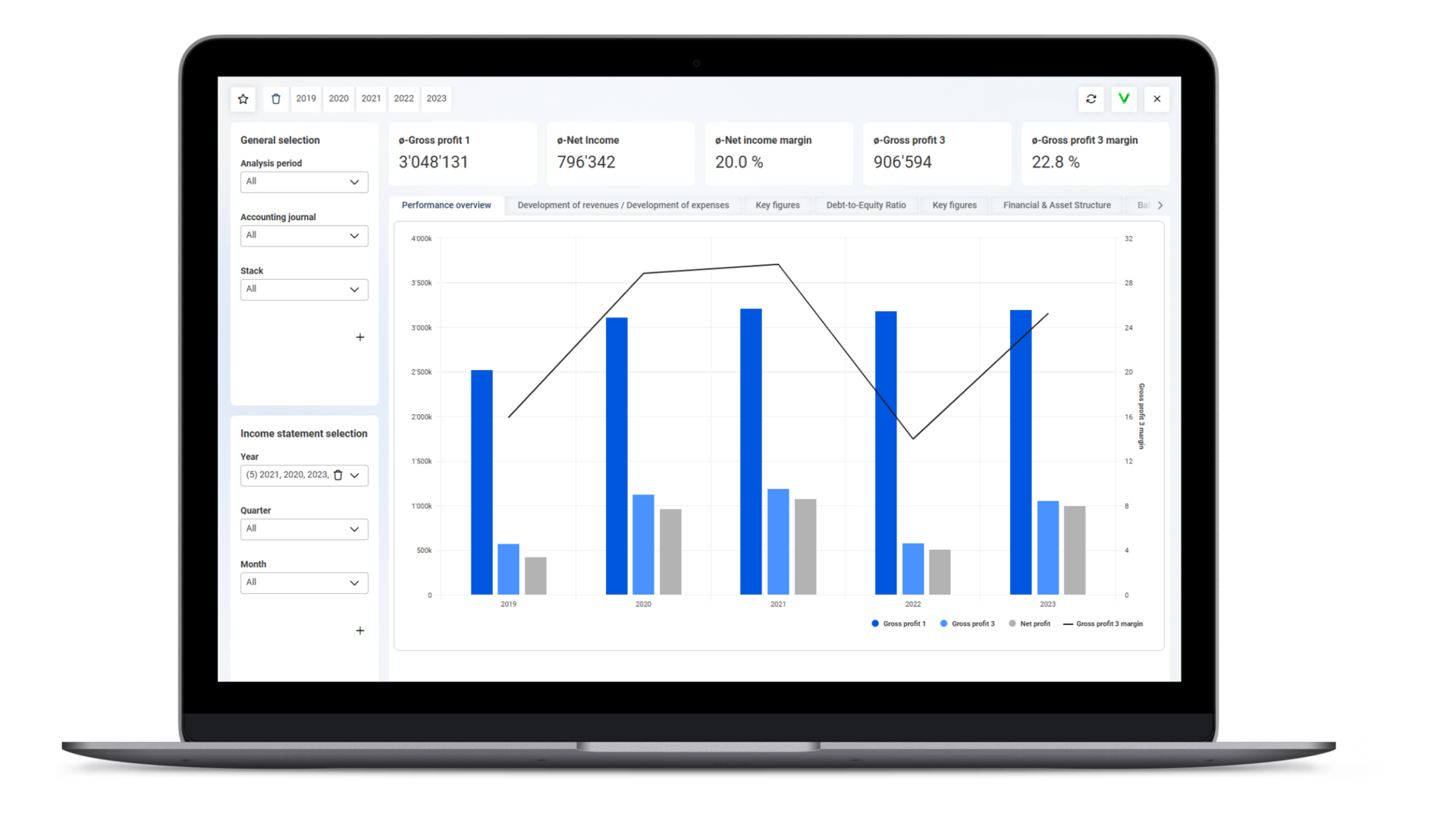
Finances
- Analysis of the balance sheet, income statement and liquidity
- Cost centre analyses and budget comparisons
- Analysis of financial indicators for management and planning
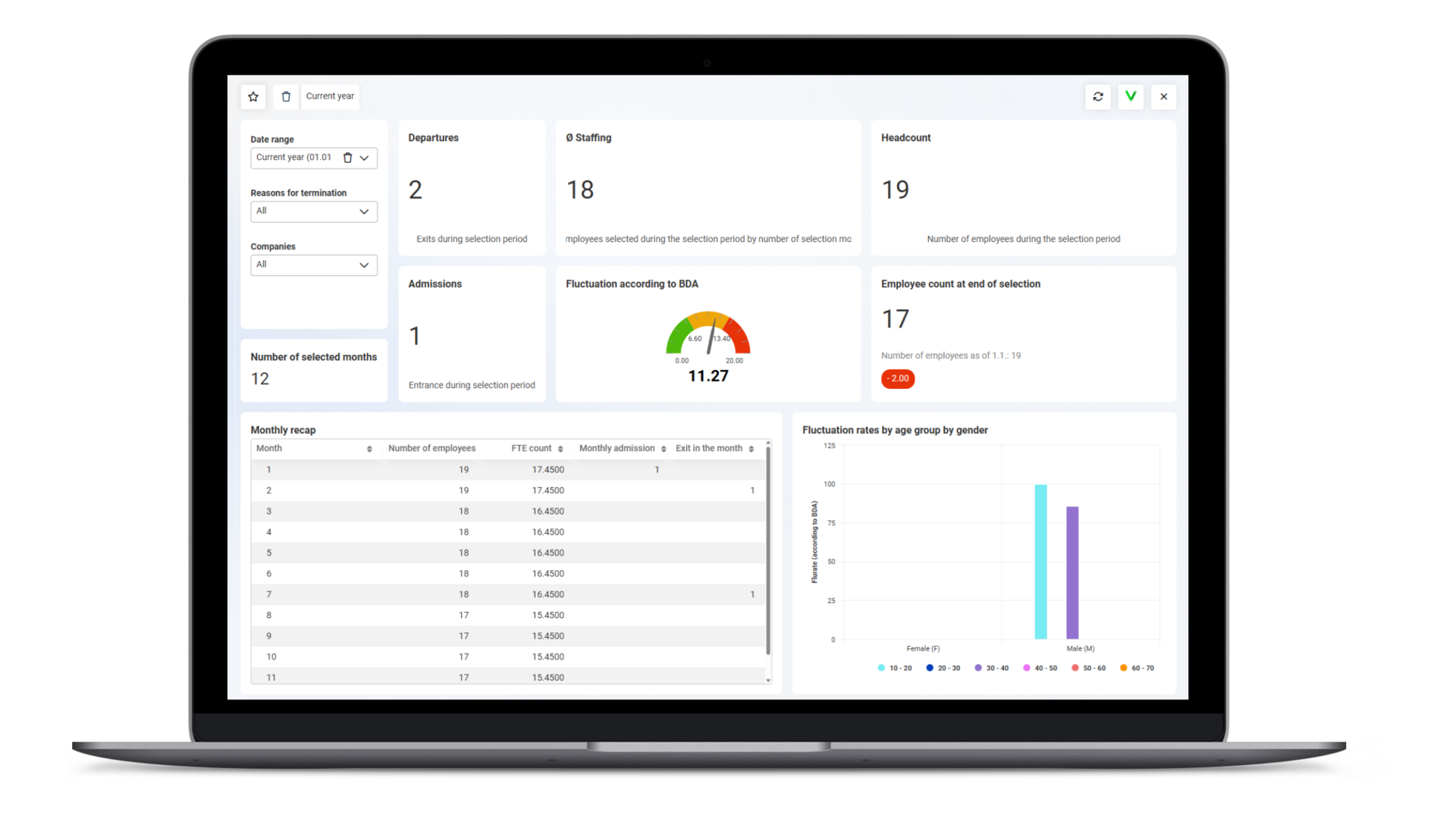
Human resources management
- Analysis of personnel costs, pay types and working hours
- Overview of absences, holiday balances and staff turnover
- Identification of trends for personnel and resource planning
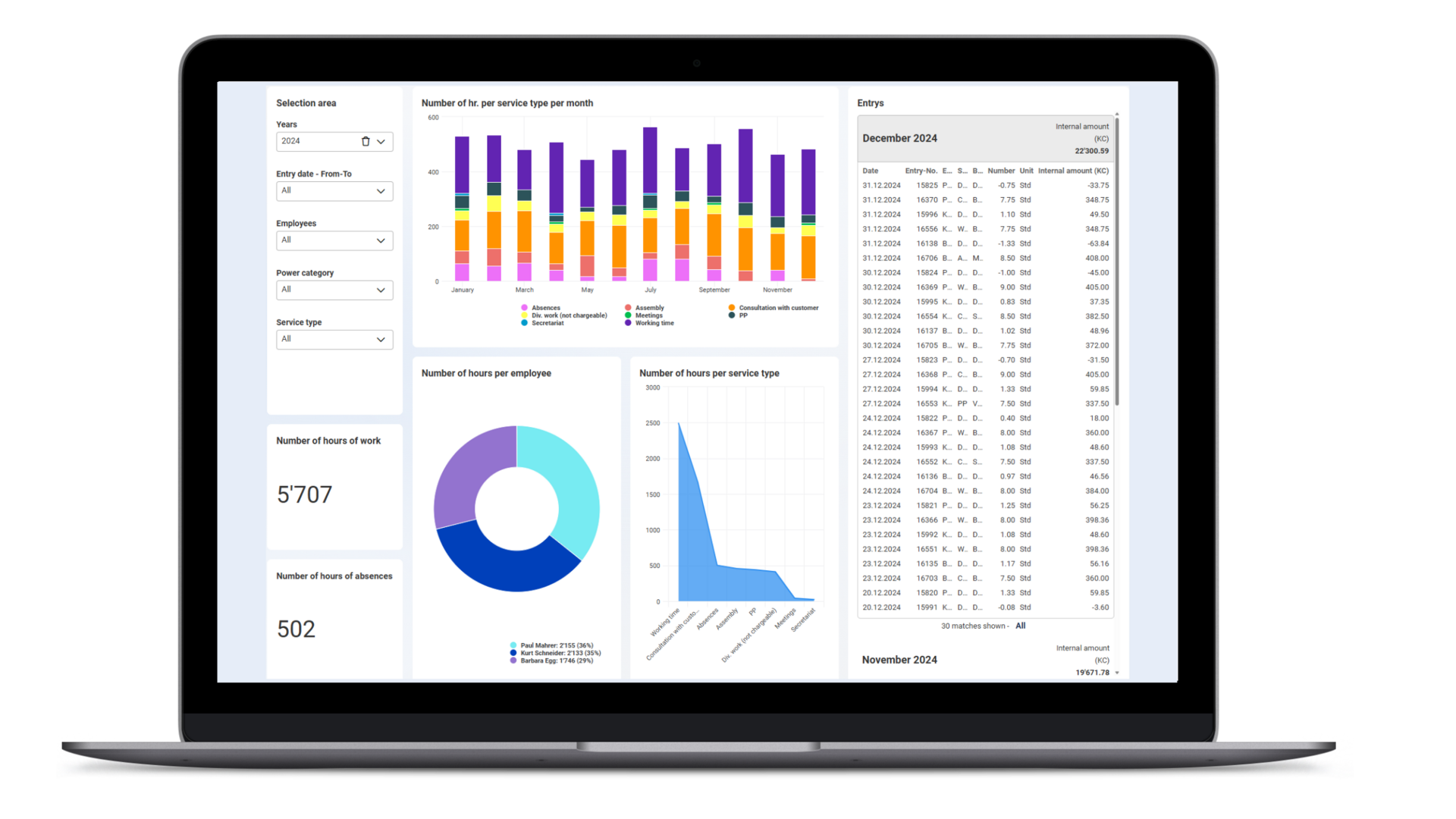
Project management
- Evaluate project costs by effort, time and resources
- Link project and financial data for a comprehensive overview
- Analysis of project progress, budget variances and capacity utilisation

Supply Chain
- Analysis of order backlogs, delivery status and outstanding quotations
- Sales trends by product group, region or customer
- Evaluate stock transactions, inventory levels and stock turnover
- Track production metrics such as lead times, machine utilisation or bottlenecks
Executive management & Management reporting
- KPI dashboards as a basis for decision-making
- Real-time overview of the entire business situation
- Combine financial, sales and HR data in a single report
Frequently asked questions about the Abacus Data Analyzer
What is the Data Analyzer?
The Abacus Data Analyzer is a powerful tool for data analysis and visualisation within the Abacus Business Software. It enables companies to easily evaluate and present operational and financial data, and to make informed decisions.
Are there any templates for the most common reports?
Yes. The Data Analyzer offers a wide range of standard reports for finance, HR, orders and more – which you can customise as required.
Can I create my own reports and dashboards?
Yes. You can create custom metrics, filters and visualisations that are tailored precisely to your needs.
What data sources can I analyse in Abacus Data Analyzer?
You can analyse data directly from your Abacus system – for example, from Financial Accounting, Payroll, Time Recording, Orders or Projects. Data from third-party systems in the most common formats (XML, JSON, MSSQL, CSV, etc.) can also be analysed.
How up to date is the data in Data Analyzer?
The data is synchronised continuously. This means you always have access to the latest information from your Abacus system.
How is access to dashboards and data in Abacus Data Analyzer managed?
Access to data in Data Analyzer is granted automatically in accordance with user permissions in the Abacus ERP system. In addition, dashboards can be shared specifically with other users or roles – for example, with team leaders, senior management or project managers. This ensures that each person only sees the information intended for them.
Can I export or share the results?
Individual widgets can be exported as PDF or Excel files to make this data available to internal and external users.
In addition, dashboards can be published via DeepV to share analyses with people who do not have access to Abacus.